VAMPIR best Asia server: Choose Your SEA World
VAMPIR best Asia server guide: find your SEA language community, match your friends' numbered server, check character creation, and understand transfer limits.
Last reviewed:
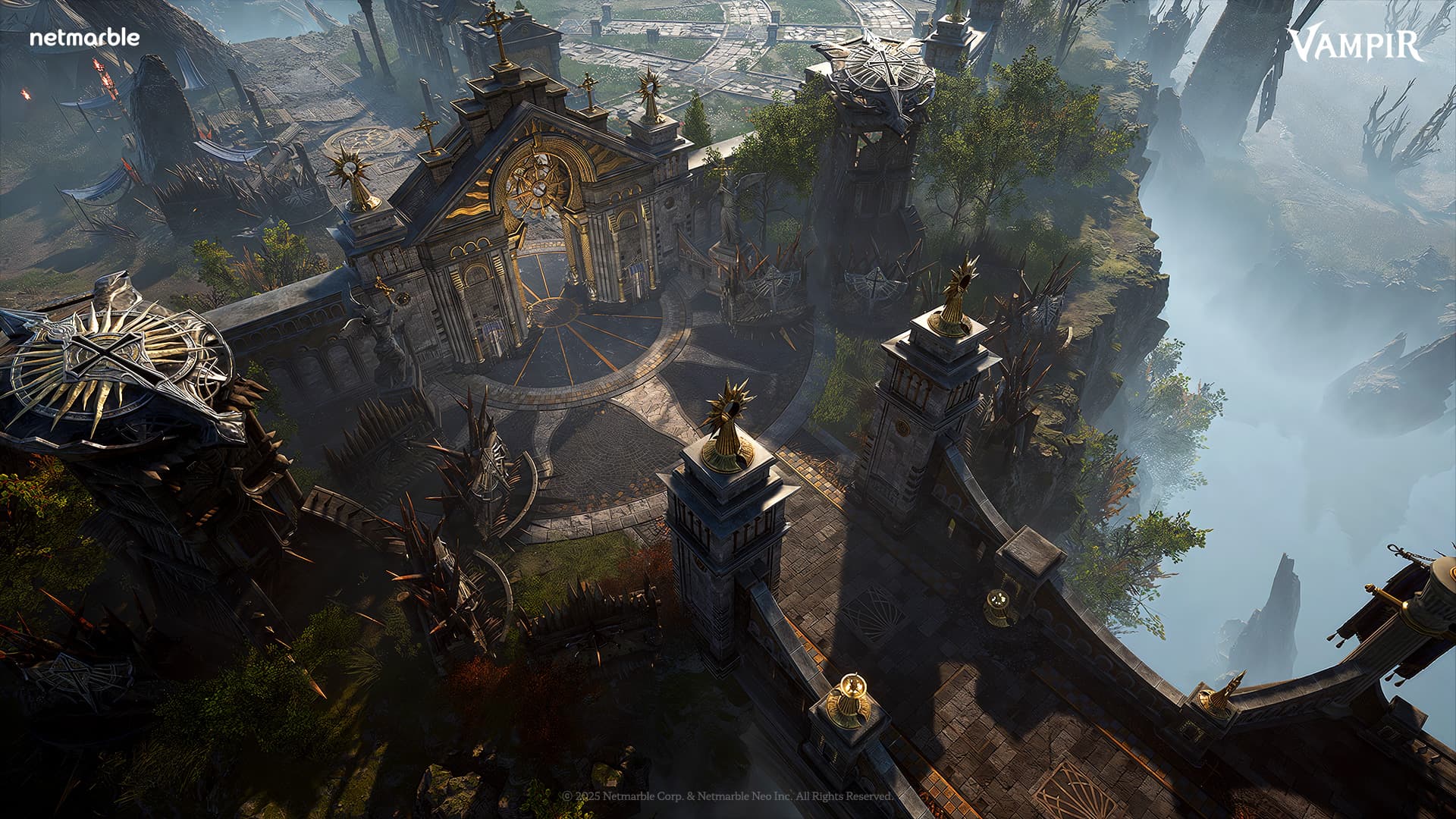
Official game media
VAMPIR imagery from the official game website and publisher resources.
Visit official websiteThe best VAMPIR Asia server is an available SEA server that matches your friends or preferred language community. The initial recommendations point Thai players to ONYX1, Indonesian players to ONYX2, Filipino players to OPAL1, and Australian players to OPAL2. Those labels guide community choice rather than establish a latency ranking, and your connection location determines which region you can access.
Check which region you can actually access
VAMPIR's global service launched with dedicated regions for North America, Europe, and Southeast Asia, so choosing an Asia server begins with regional access. The game assigns your region automatically according to where you connect from, and the ordinary server selection screen does not display other regions. Your practical shortlist therefore comes from the servers the game shows inside your assigned region.
A country recommendation does not provide a way around that regional boundary, even when its label seems relevant to you. You can select another server within your own region, but that freedom does not extend to choosing any region through the normal selection menu. If you plan to join friends, confirm that you can see their region before comparing individual world names or deciding which community recommendation to follow.
Use the SEA language recommendations as a starting point
The initial SEA list places Thailand's recommended community on ONYX1 and Indonesia's recommended community on ONYX2, both under the ONYX world name. OPAL follows the same numbered pattern, with OPAL1 recommended for the Philippines and OPAL2 recommended for Australia. For a player choosing alone, these pairings offer a specific starting point based on the community they want to join, without claiming that one server is universally better.
Country labels are recommendations for grouping language communities, so they do not restrict a server to players of a particular nationality. You may choose a different server in your assigned region if your friends or clan have already agreed to play there. If your country has no recommendation, choose from the available servers in your region rather than assuming that an unlisted nationality prevents you from joining.
Match the complete server name with your group
Agree on the full server name, including its number, before everyone proceeds with character creation, because a shared world name is not enough. SCARLET1 and SCARLET2, for example, are separate servers even though their names begin with the same word. Apply that distinction when coordinating your SEA choice: ask your friends or clan for the complete selection, then compare it with the entry on your own screen.
Server choice also determines which of your characters can share warehouses, collections, Bloodshapes, and mounts, since that sharing applies within the same server. Creating another character on a different server does not automatically carry over those shared resources or progress. If you are considering starting again to join a group, account for that separation before treating a new character as a continuation of your existing server's collection.
Look beyond the initial ONYX and OPAL list
ONYX and OPAL describe the initial SEA recommendations, but they are not a complete list of the worlds added afterward. An updated server guide also lists Amethyst, Spinel, Obsidian, Jet, Pearl, and Sapphire, with a pair of numbered servers for each world. Use the initial country pairings to understand the recommendations, while checking the actual regional list for additional choices rather than stopping at those original world names.
The official announcement list includes a SEA SAPPHIRE opening notice dated October 30, 2026, confirming that the world received an opening announcement. That notice date does not establish Sapphire's present population, available rewards, or whether character creation is open when you log in. Treat Sapphire as an additional world to check in your regional list, without assuming that its later announcement makes it the best fit for your group.
Check character creation before committing
A server recommendation is only useful for a new character if that server is accepting character creation when you try to join. Servers can temporarily close character creation when they fill up, and the status changes, so an older availability list cannot guarantee access. The updated guide distinguishes this restriction from the Crowded label, which by itself still allows character creation in the situation it describes.
A third-party snapshot dated October 31, 2026, at 05:10 UTC listed Jet1, Jet2, Pearl1, Sapphire1, and Sapphire2 as open for SEA character creation. It listed both numbered servers in Onyx, Opal, Amethyst, Spinel, and Obsidian, along with Pearl2, as closed at that specific time. These entries describe a historical check rather than today's availability, so verify your intended server in the game before asking a whole group to create characters there.
Select the server before creating your character
To choose a server, launch VAMPIR, log in, and select the server name shown at the bottom of the main title screen. Choose an available entry from your regional list, confirm the selection, and then proceed to character creation on that server. Read this as a way to choose where a character begins: selecting a different entry in this flow does not describe transferring an existing character and its progress.
For a group start, combine that selection flow with the earlier checks by verifying the region, the complete numbered server, and character creation availability. A recommended language community can help you narrow the list, while an agreed destination with friends or a clan provides a more specific choice. When those preferences point to different servers, make the decision together before creating characters, remembering that shared collections and other server resources stay within their server.
Treat future transfers as a plan, not a fallback
Global launch guidance described same-region character transfers as a planned feature for roughly 8–10 weeks after launch, rather than an already available service. That window was a plan, not a guaranteed opening date, and it did not promise transfers between different regions. The same guidance left fees and requirements for later announcements, so it cannot establish a current price, eligibility condition, or confirmed route for moving your character.
Choose your starting server on the assumption that the initial decision matters, rather than relying on an unconfirmed transfer to reunite your group later. For a solo start, use the relevant language recommendation where available; for a coordinated start, prioritize agreeing on an accessible numbered server with your friends. Before proceeding, check that the chosen server accepts character creation, and confirm any later transfer option through an applicable global-service announcement before depending on it.
Next Steps
Beginner guide
Use this VAMPIR beginner guide to choose a class, follow quests, manage equipment and currencies, and build a practical dungeon and farming routine.
Official download routes
Start your VAMPIR download with official PC, App Store, Google Play and Epic links, plus installation steps, PC requirements and Netmarble Connect setup.
Need Help?
Check the official website and community for account support and current game announcements.
Official websiteOfficial DiscordRelated Guides
PC installation guide
Start your VAMPIR PC download from the official page, install through Netmarble Launcher, check PC requirements, and set up optional Remote Play on mobile.
Netmarble Launcher setup
Use the VAMPIR Netmarble launcher to install the PC game, check system requirements, sign in, and set up remote play through the Netmarble Connect app.